# openSenseMap public beta with Sensor.Community / Luftdaten.Info devices
With the latest **beta** firmware version of the Sensor.Community devices, your are now able to contribute to the public beta test version of the newly developed openSenseMap that will become widely available this summer: staging.opensensemap.org
Note: The beta firmware stays backwards compatible to the currently running "old" version of the openSenseMap (simply opensensemap.org)
## Create new device on staging.opensensemap.org
In order to participate in the public beta, you need to update your sensor.community device to the latest beta version and create a *new* device on the staging.opensensemap.org (let's call it "new OSEM").
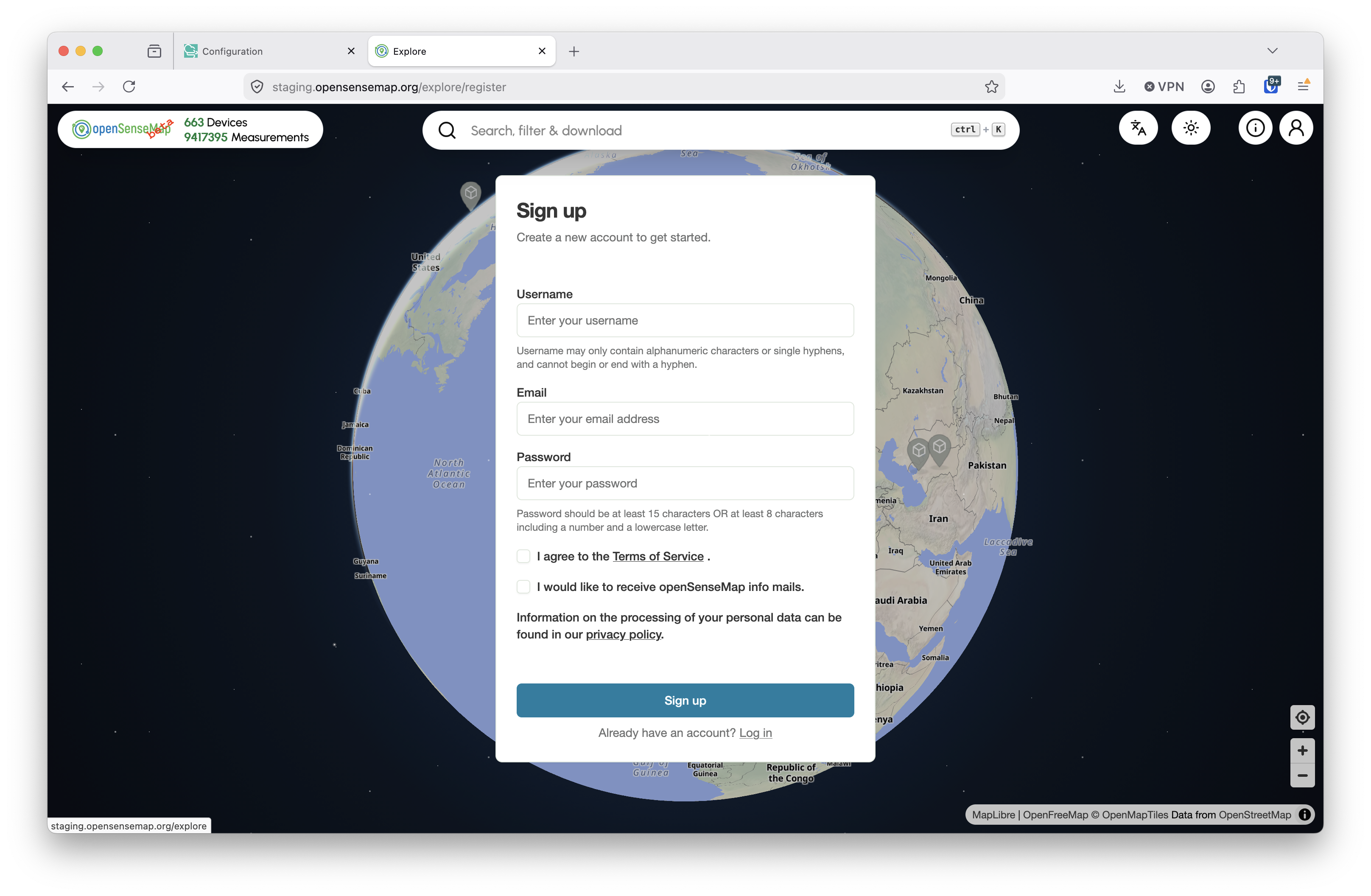
Sign up on the public beta page:
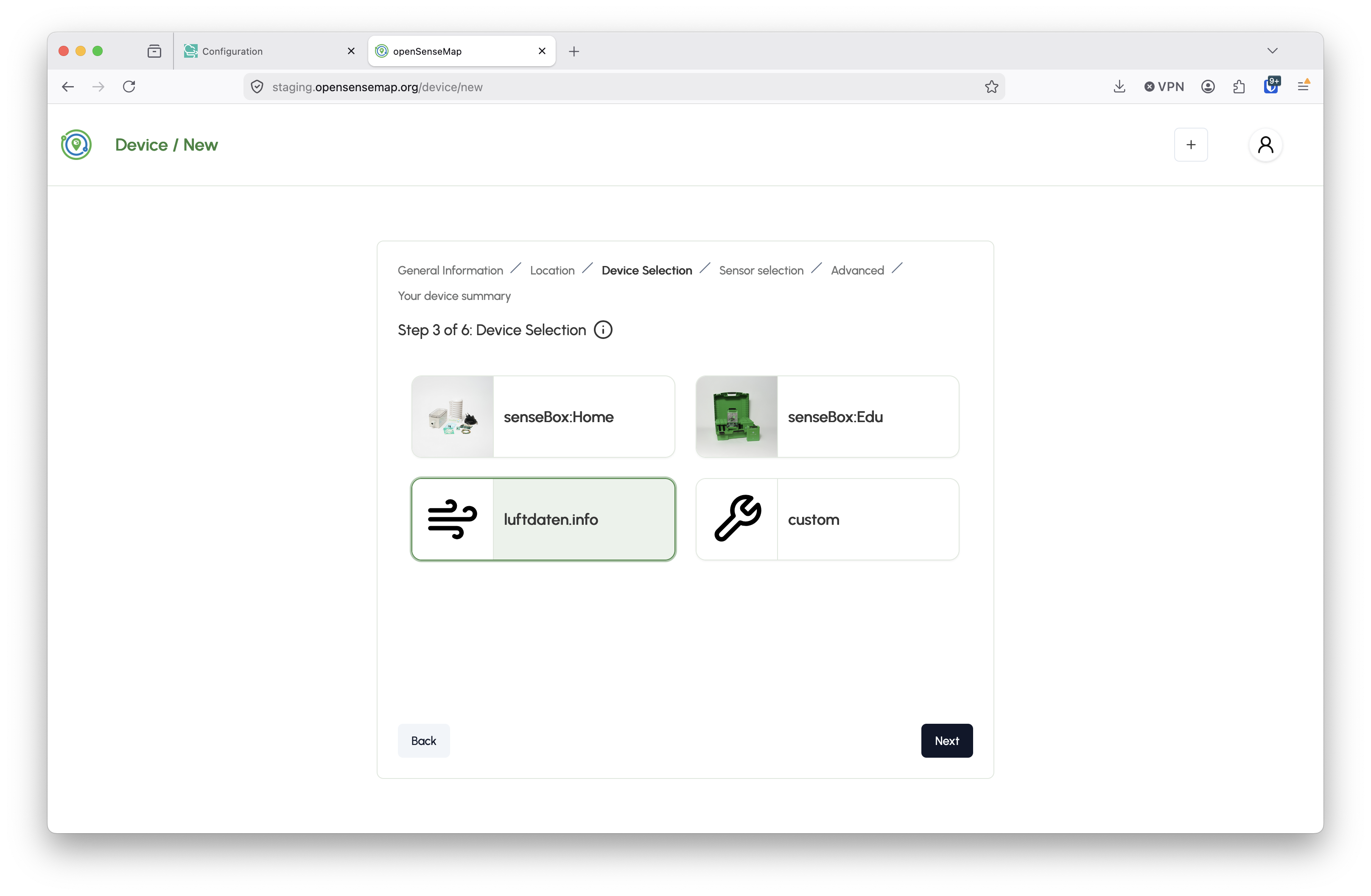
Create a new device that matches your sensor.community device (for now still called lufdaten.info):
## Set everything up on the Sensor.Community device
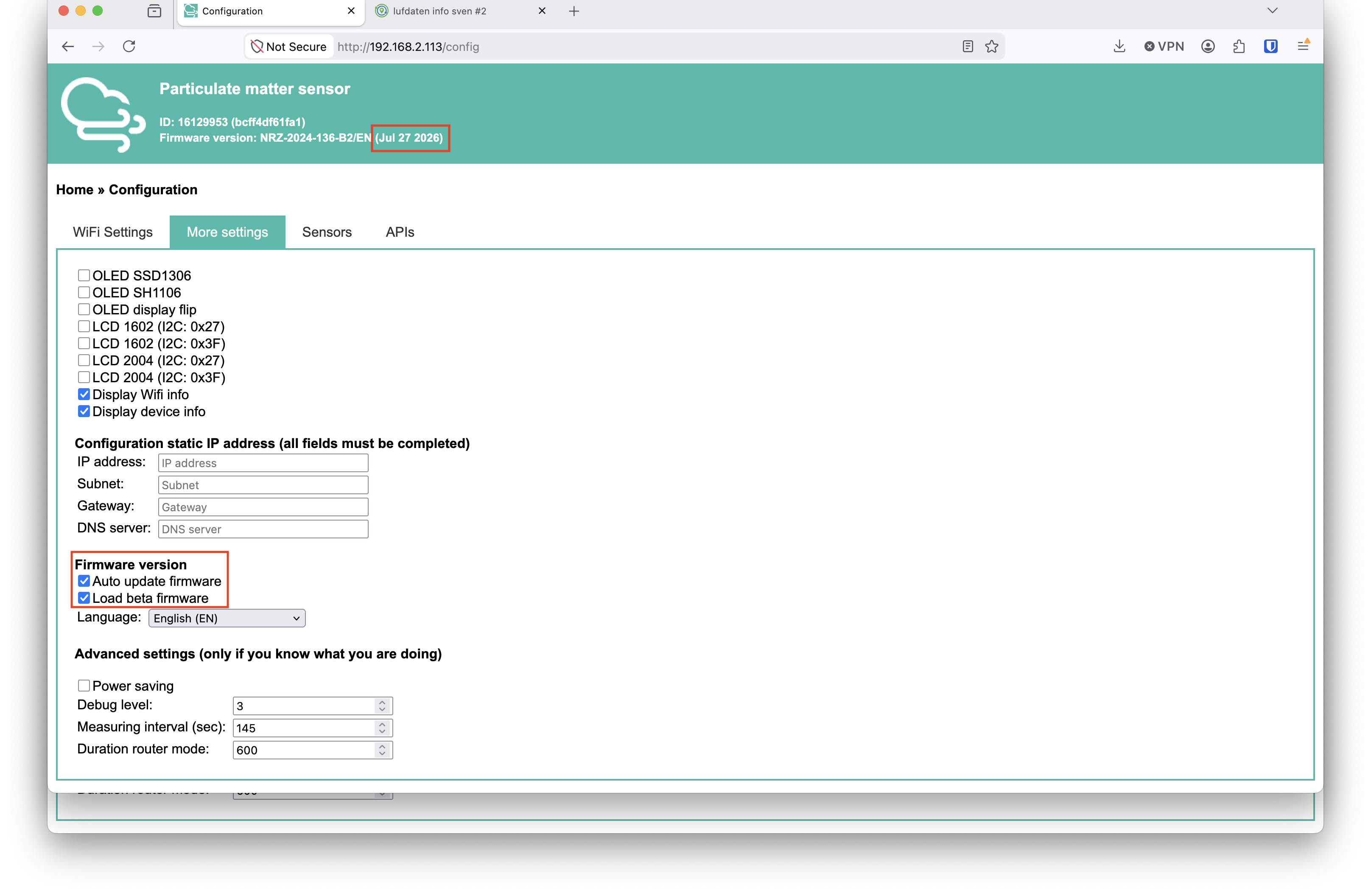
Make sure that auto update and beta firmware loading are enabled and the firmware version is at least `July 2026`:
In the beta firmware in the settings regarding the openSenseMap integration, you need to add
* the new box / `device ID`
* the box / `device api key` and
* an alternative upload URL (upload.staging.opensensemap.org)
On the new OSEM this information can be found here:
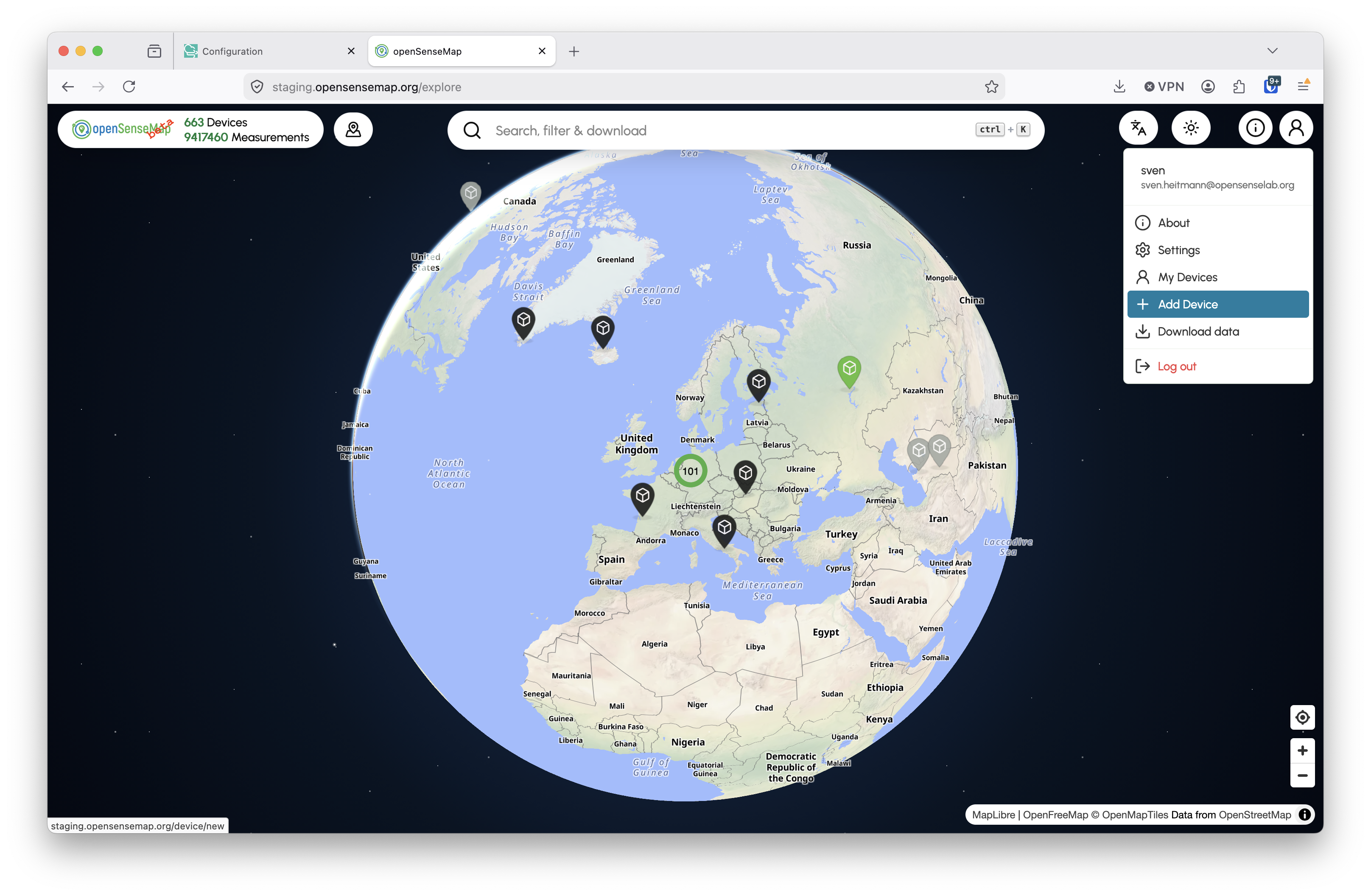
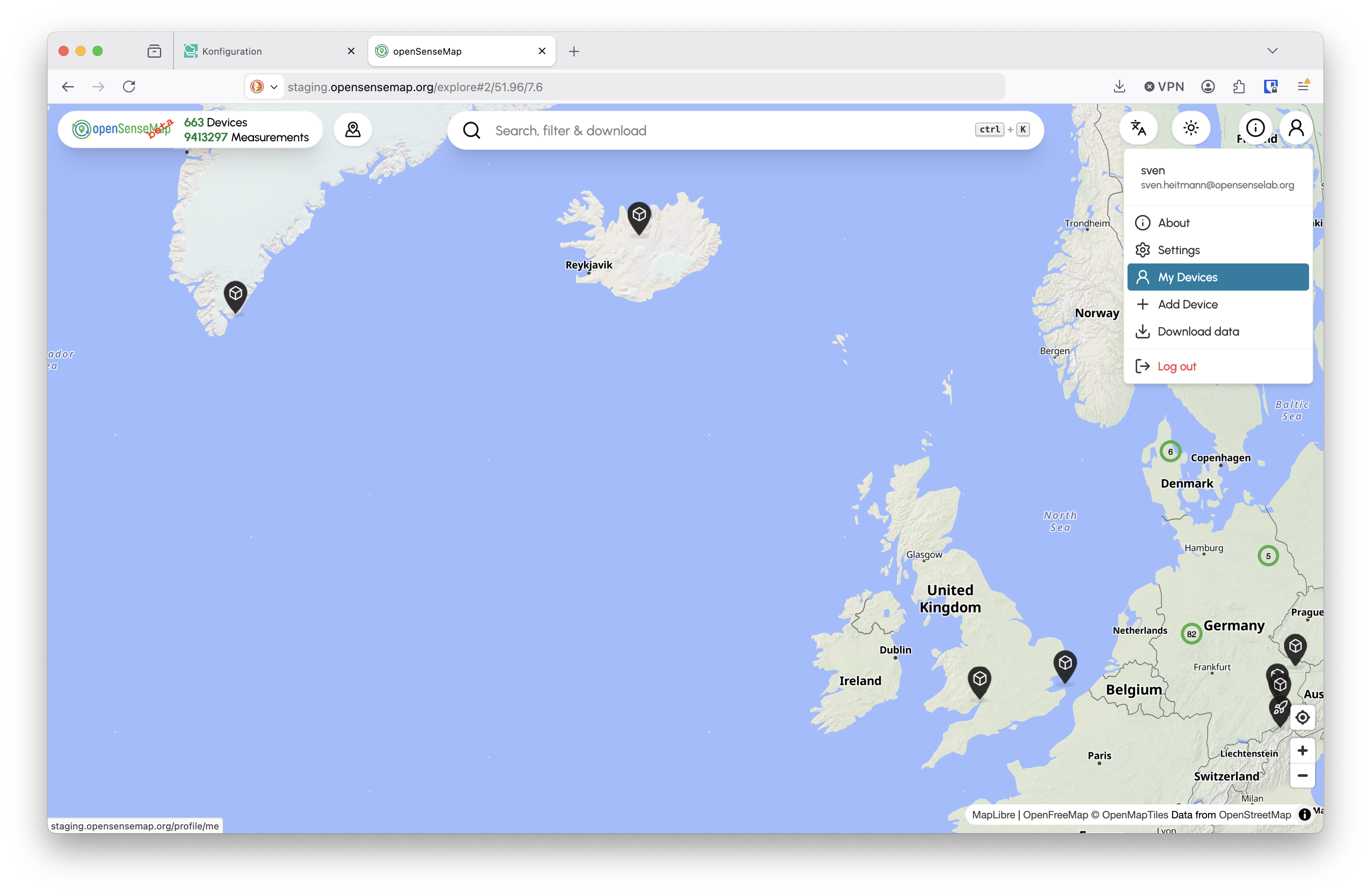
Go to `My Devices`:
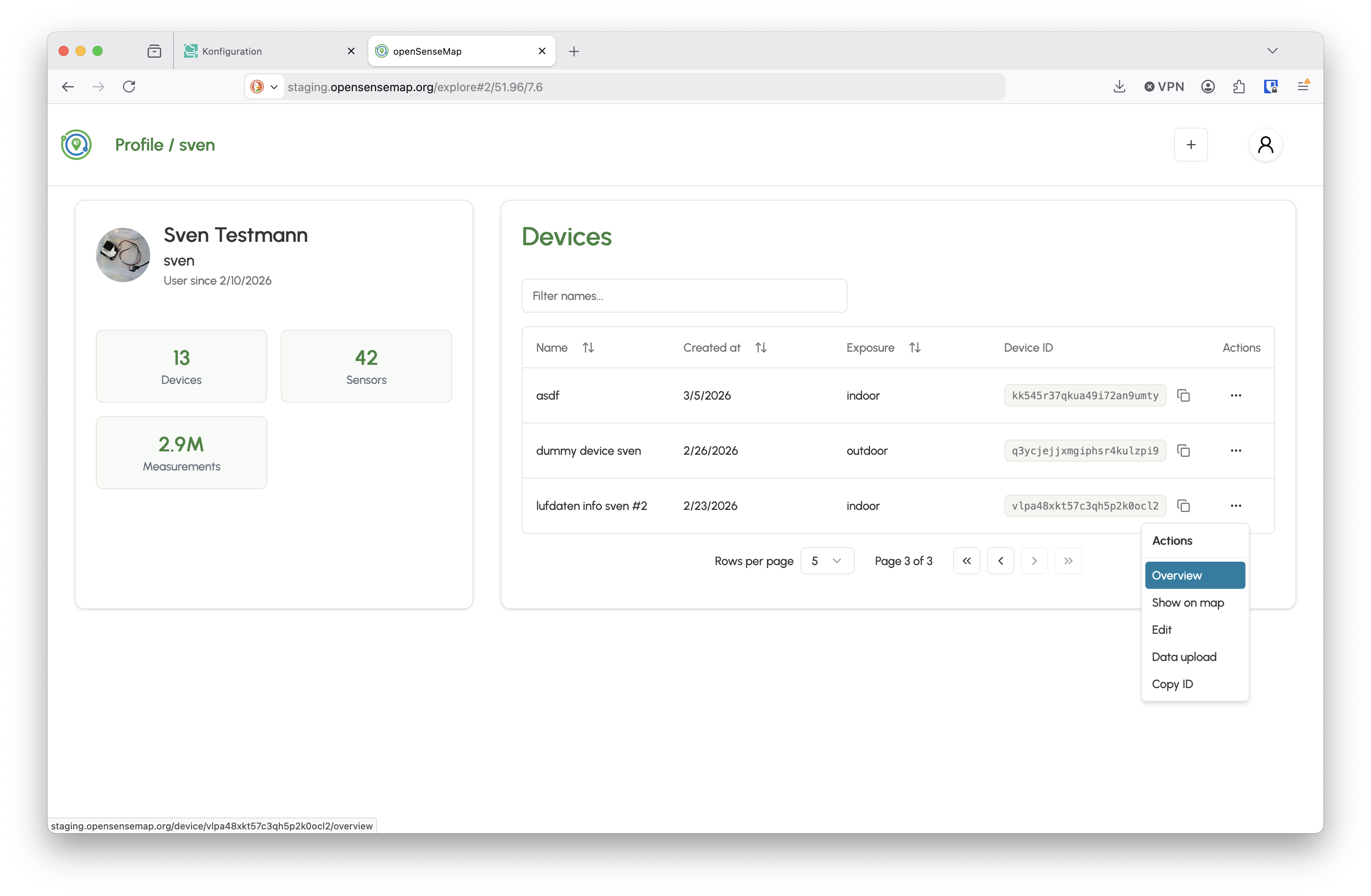
Then, find the newly created sensor.community device in the list of your devices, click on the context menu on the right hand side and select `Overview`:
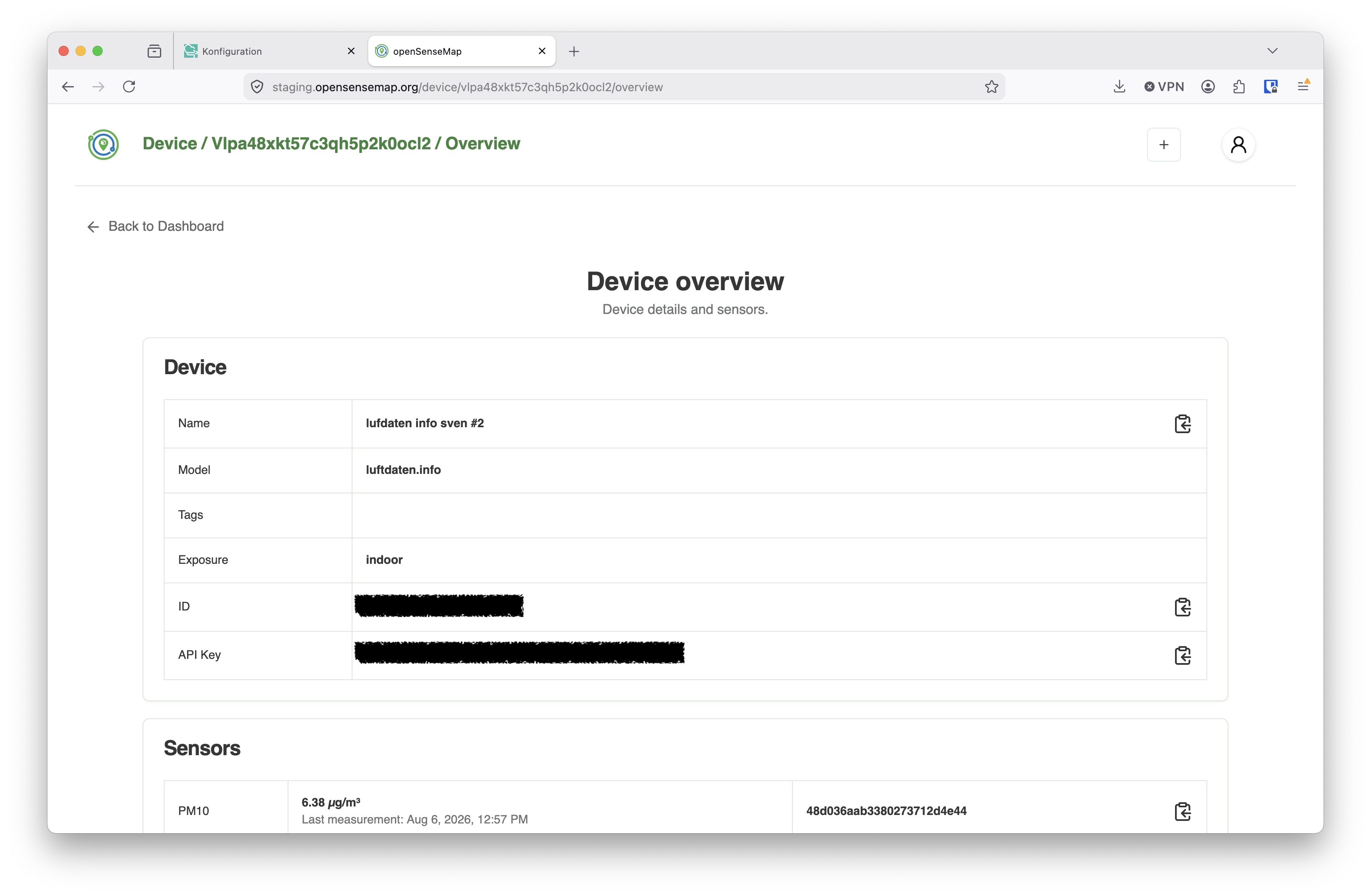
On the overview page, you can find the `ID` and `API Key`:
In the web interface of your sensor.community device go to `Configuration` and `APIs`:
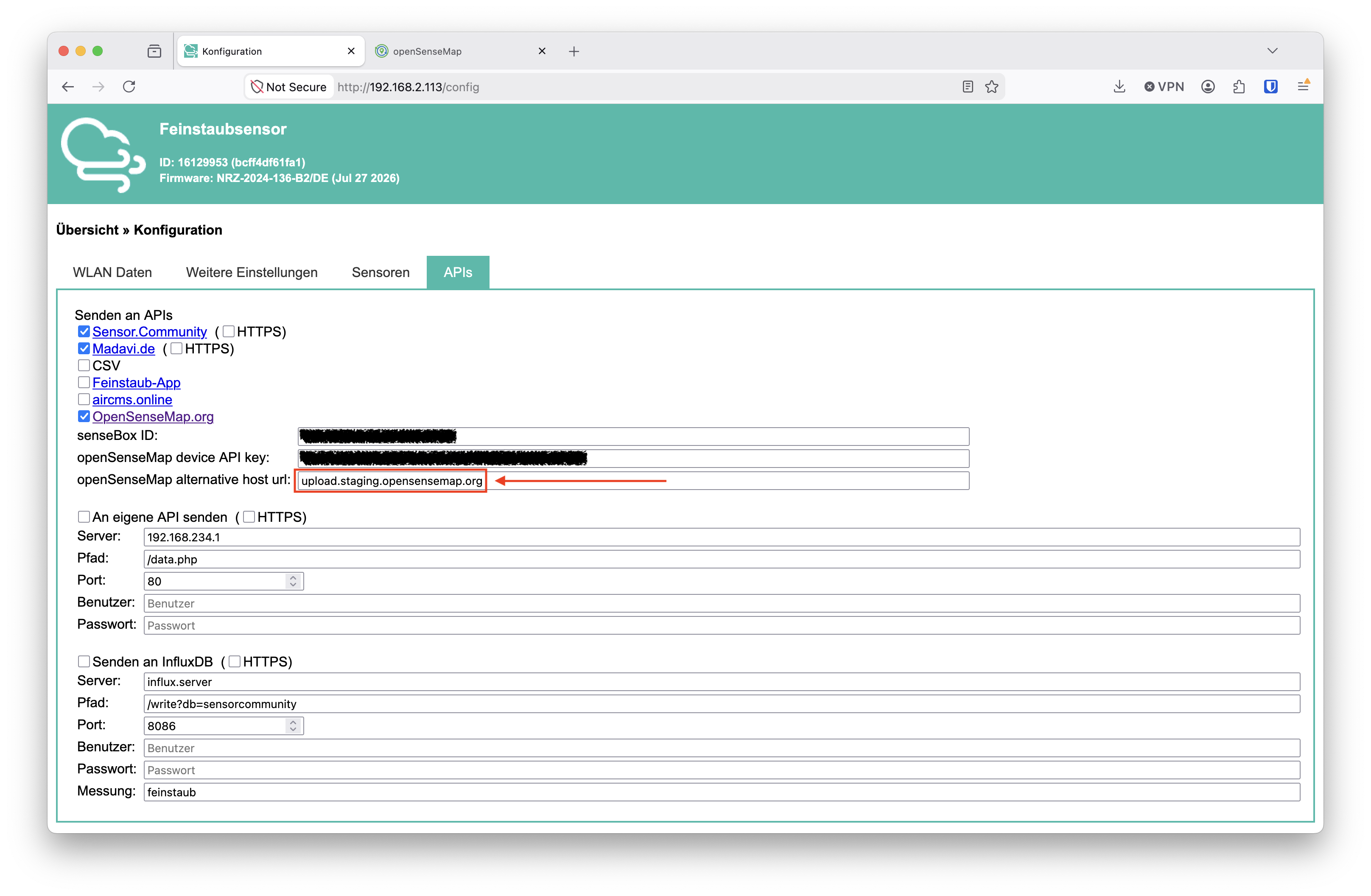
Select the checkbox for `OpenSenseMap.org` and fill in the the fields `senseBox ID` and `openSenseMap device API key` with the values shown above.
**Important:** Don't forget to add an alternative upload url: `upload.staging.opensensemap.org`!
Save and restart your sensor.community device.
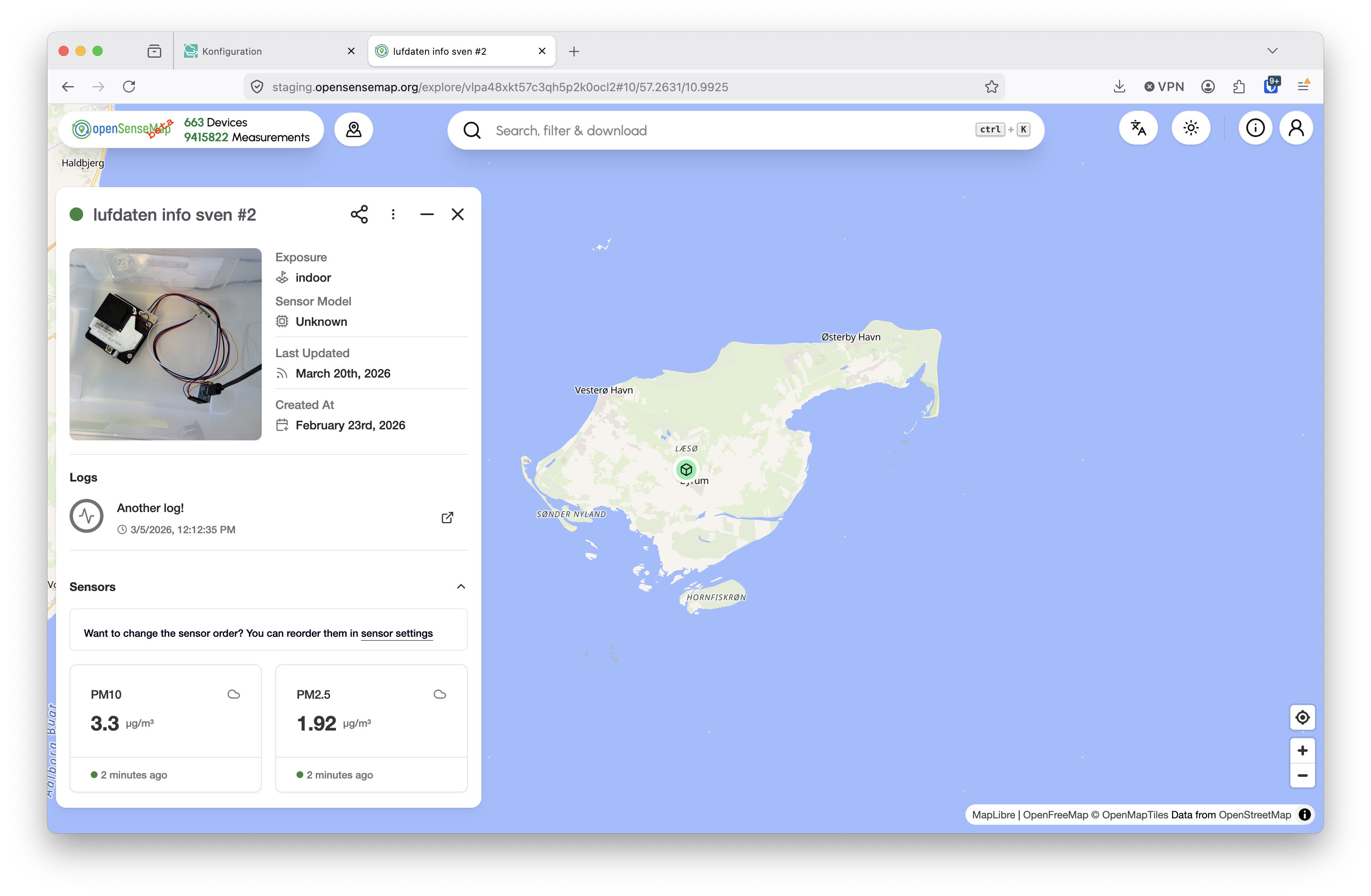
From now on, the device is posting data to the public beta of the new OSEM: